Overview
CoursePilot is an application designed to help students organize their academic and personal lives. Users are able to personalize their courses, how they view their information, and what is important for them.
Challenge
To design an original application that aids students in their everyday lives and to allow them to succeed in their studies

Approach
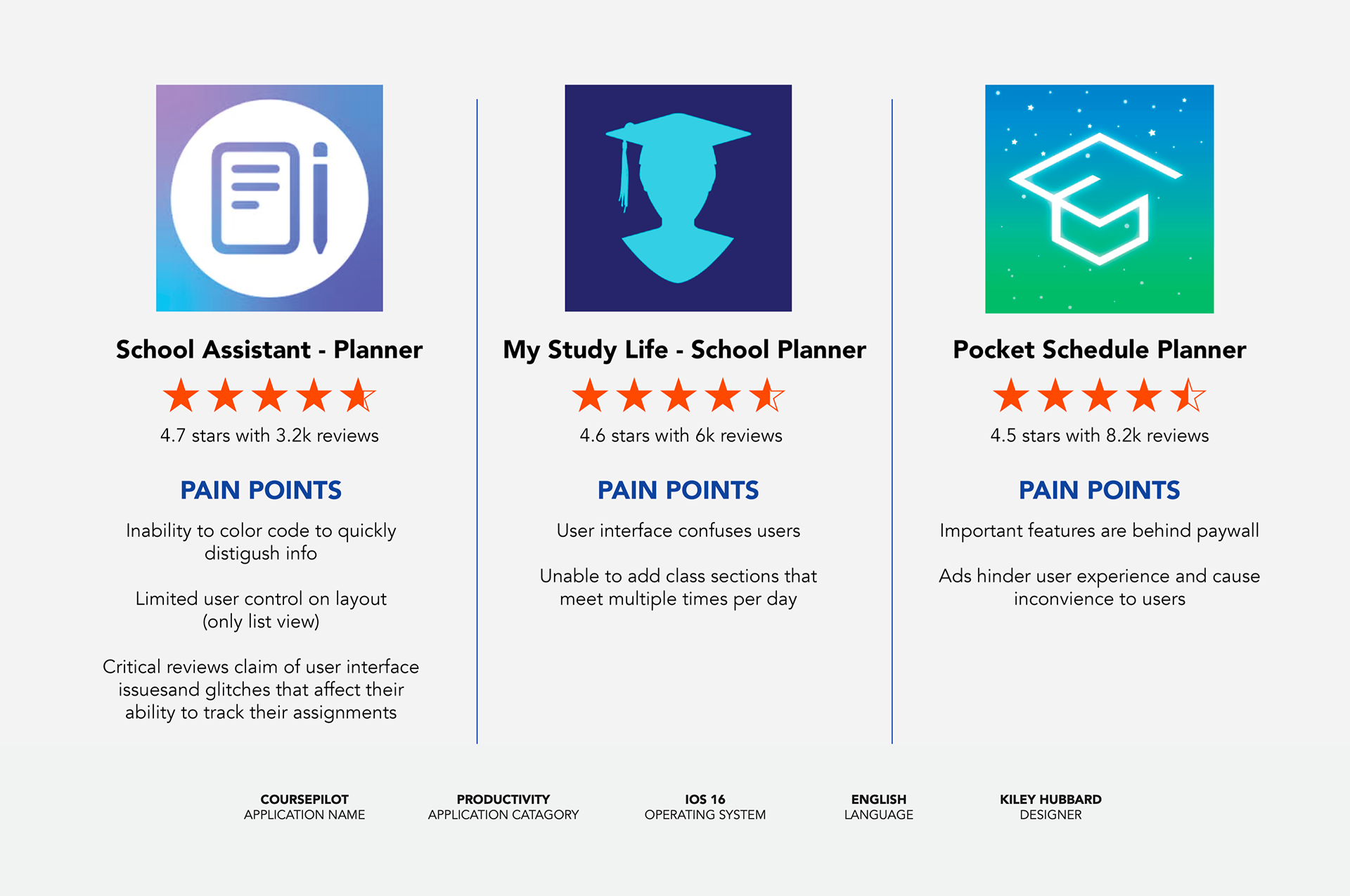
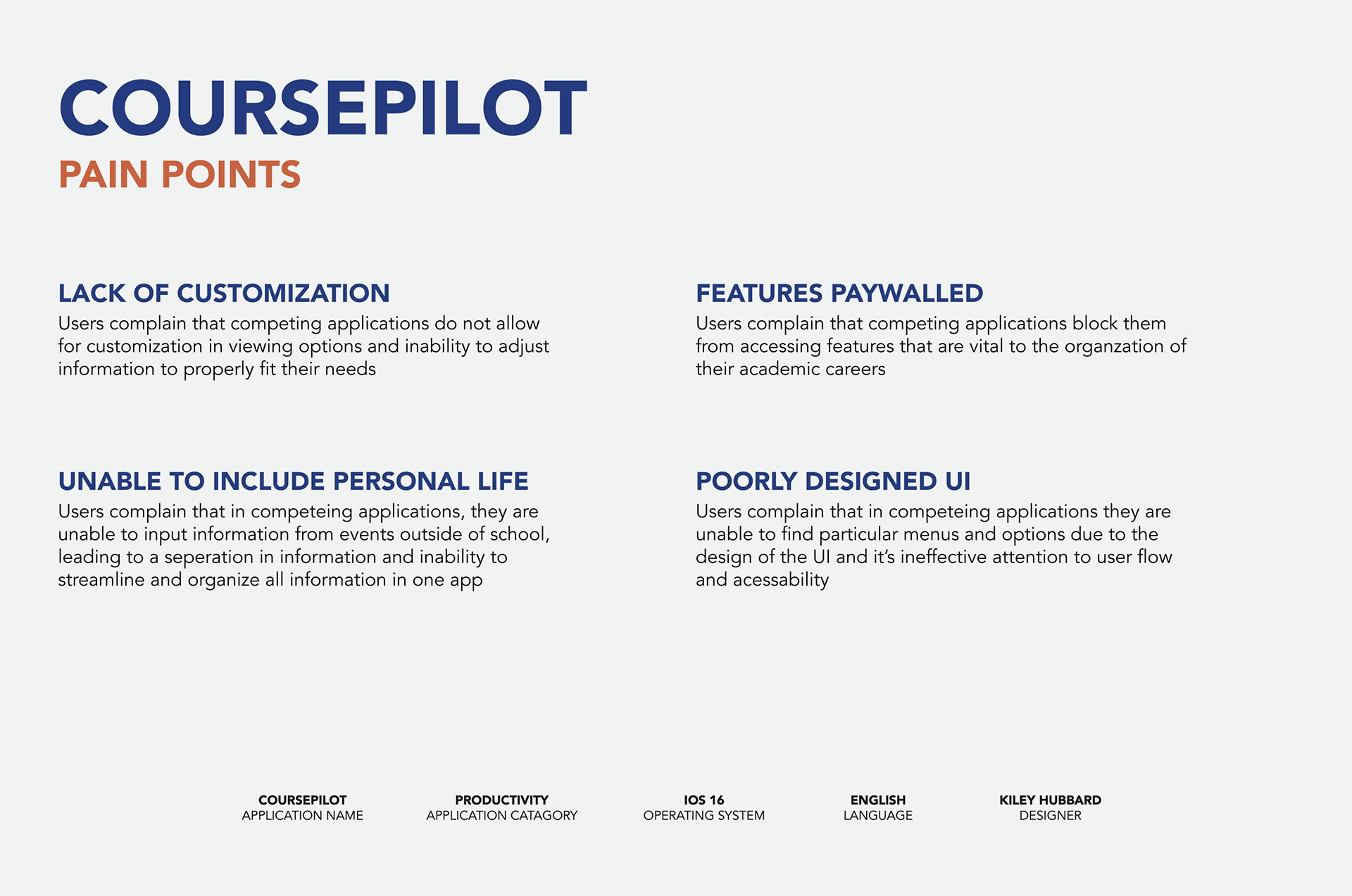
Before beginning the design and solidifying the desired features included in CoursePilot, I did research and looked into similar applications in the field to help analyze what users enjoyed and detested from apps currently on the market. Through this research, I learned that many users felt that current applications could not customize the layouts to their desired needs, were unable to include events from their personal life and/or extracurriculars, had features paywalled, which limited their overall accessibility, and had poorly designed/inaccessible user interfaces.
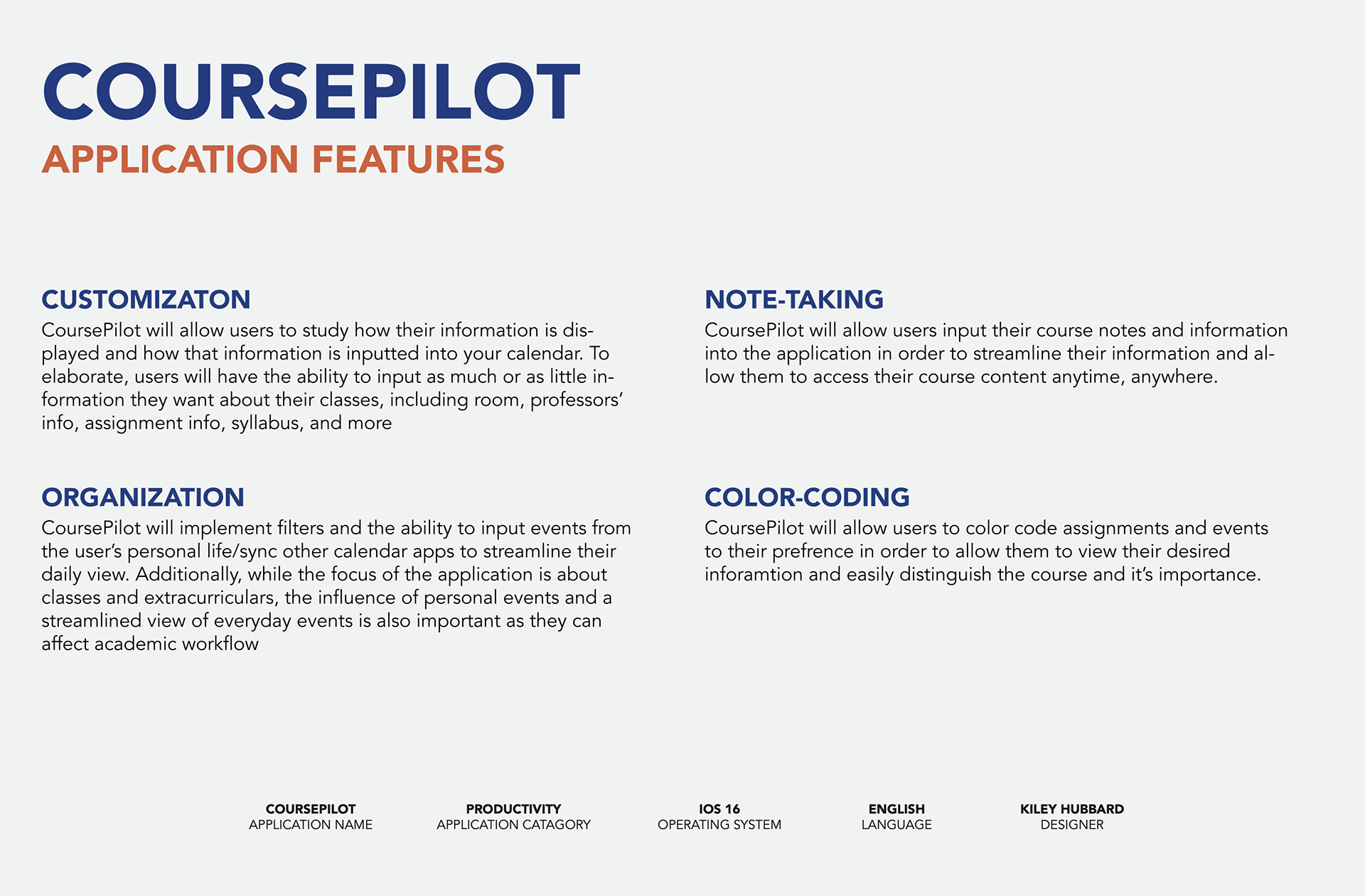
Because of this research, I found feedback from similar applications, and I decided that some of the main features I wanted CoursePilot to include were customization, organization, note-taking, and color-coding. Having these desired features in mind while developing the user interface and flow of CoursePilot allows for it to have a strong structure built upon the intended use.
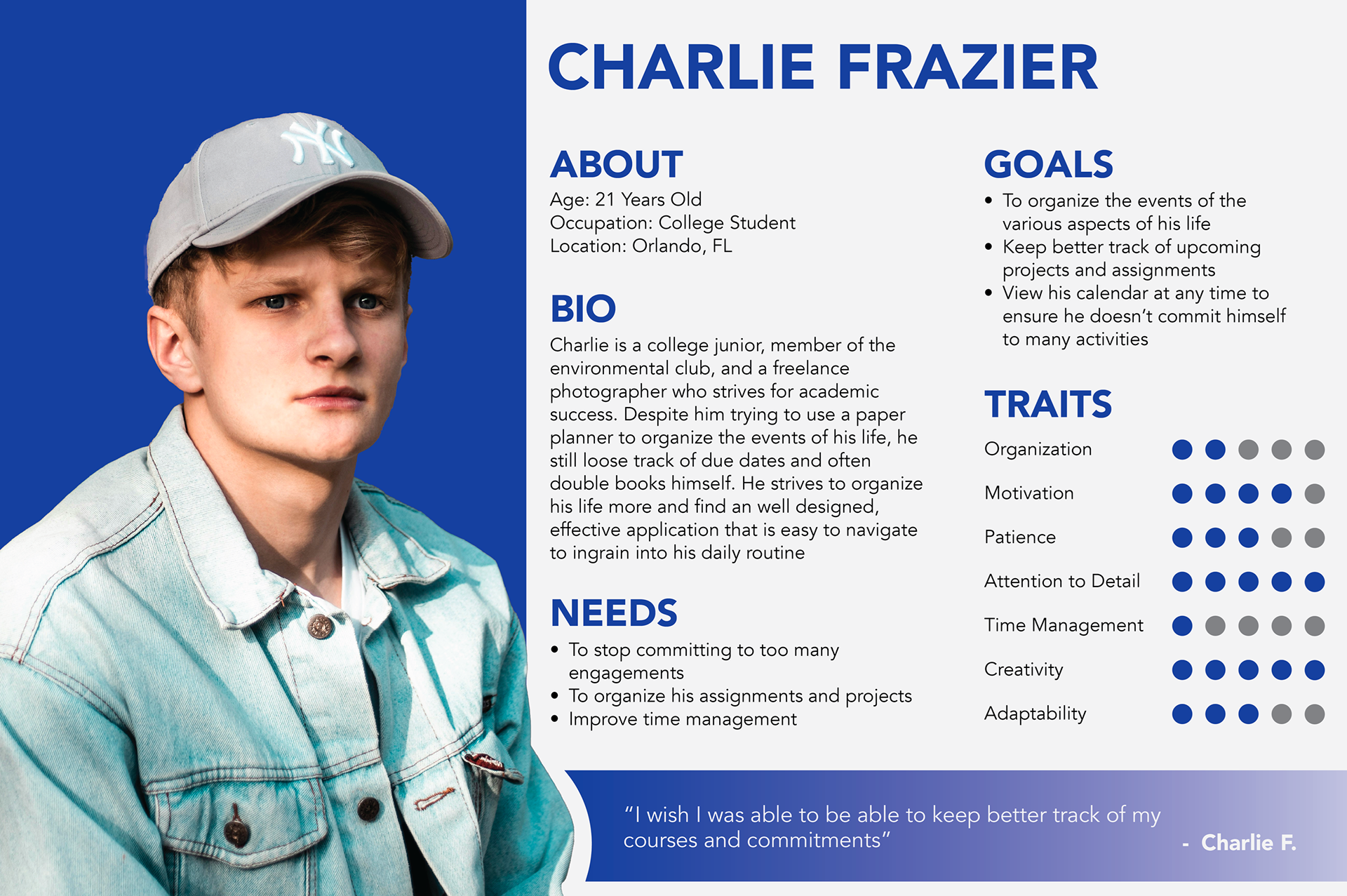
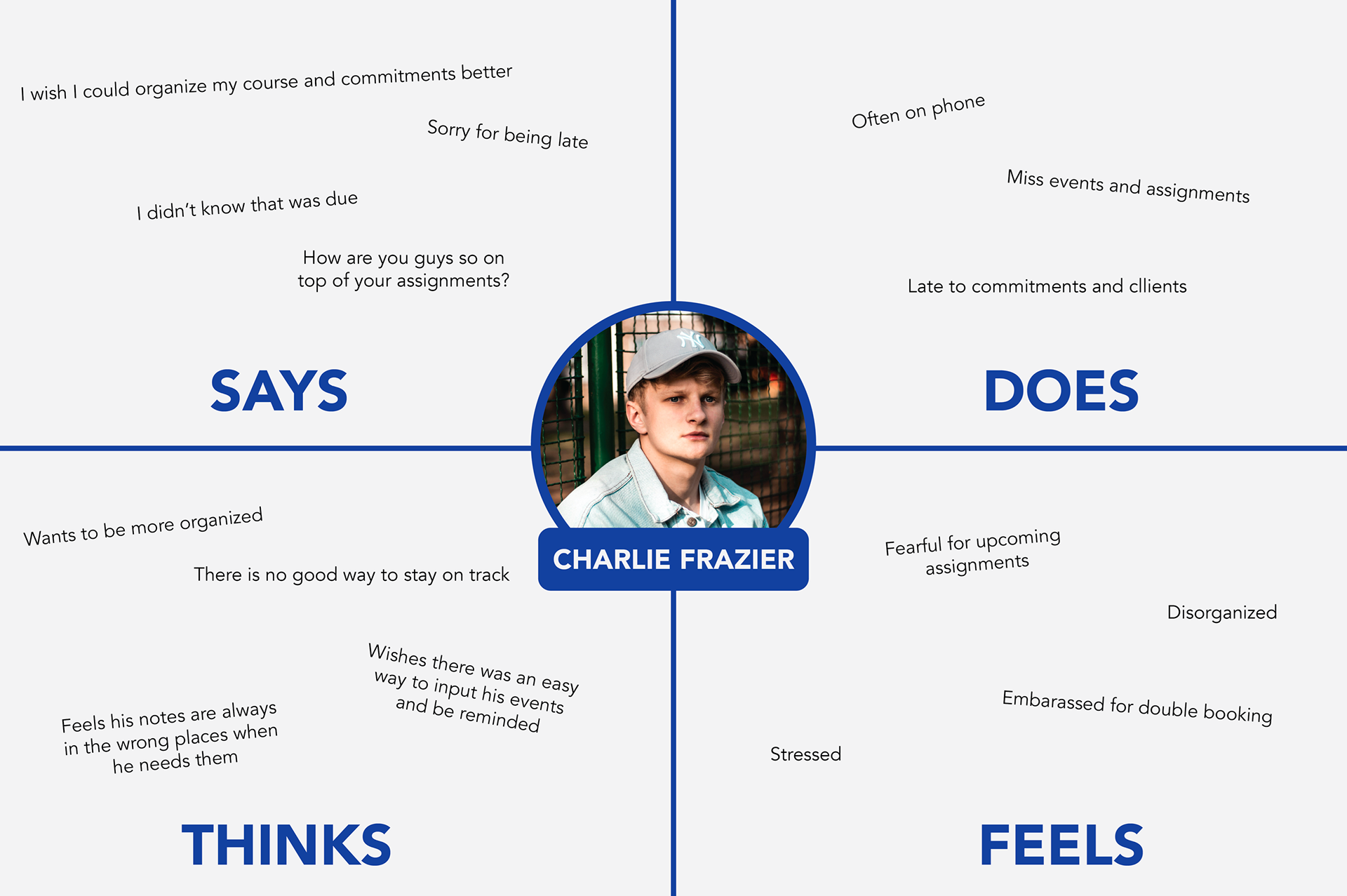
In addition to this research found, I also developed a user persona that would benefit from this application. Charlie Frazier, a 21-year-old college student from Orlando, Florida, is an example of one of many types of students who could benefit from such applications. Frazier, like many high school and college students, feels that they are involved in many different extracurricular activities, occupations, and social groups to balance all of their assignments and responsibilities. He constantly feels that he is behind on his work or forgetting about plans he made. In the past, whilst trying other applications and paper planners, he felt that he needed an app designed specifically for students that enables him to keep track of his workload, allows him to view all of his information, and has an overall streamlined academic experience.
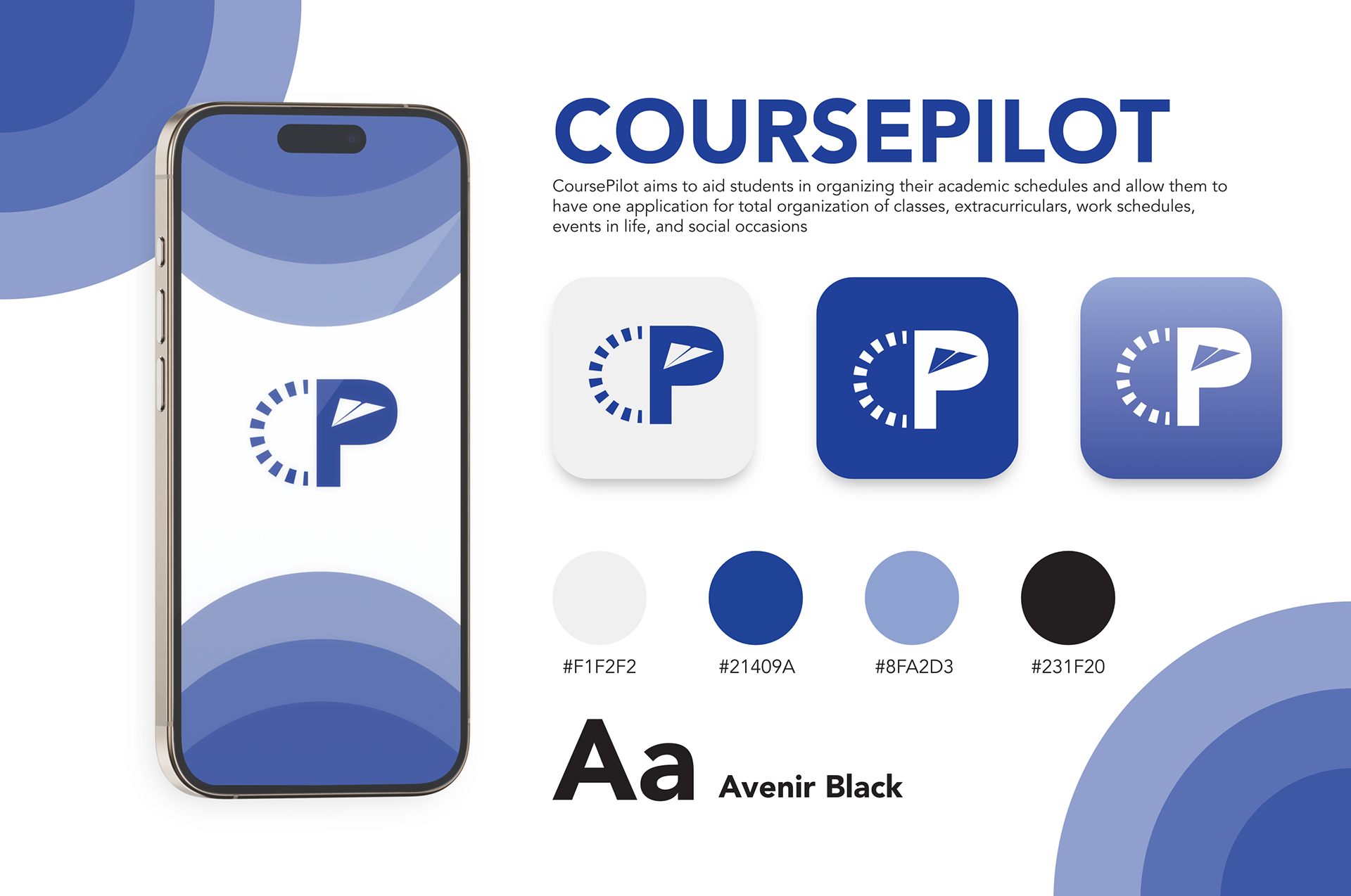
The logo, which shows a C and a P, represents the abbreviation of CoursePilot. The C, which is made of a dashed line, represents numerous things, such as the lines on a clock to represent time and the lines behind airplanes in illustrations to depict their motion in the air. The P, which is the counter of the letter, is replaced with a simple cutout of a paper airplane. The airplane, which ties in the “pilot” element, also has a symbolic representation of the purpose of the application.
The plane can also represent the idea of aiding students in navigating their scholarly success and helping them soar towards academic success. The logo, which is blue in color, is due to the use of blue for trust, productivity, and overall calm settings, the focus of the application's purpose. The typeface, which is Avenir, gives a modern and clean feel while not overcomplicating and distracting from the elements of the logo and the overall purpose of the program.
Outcome
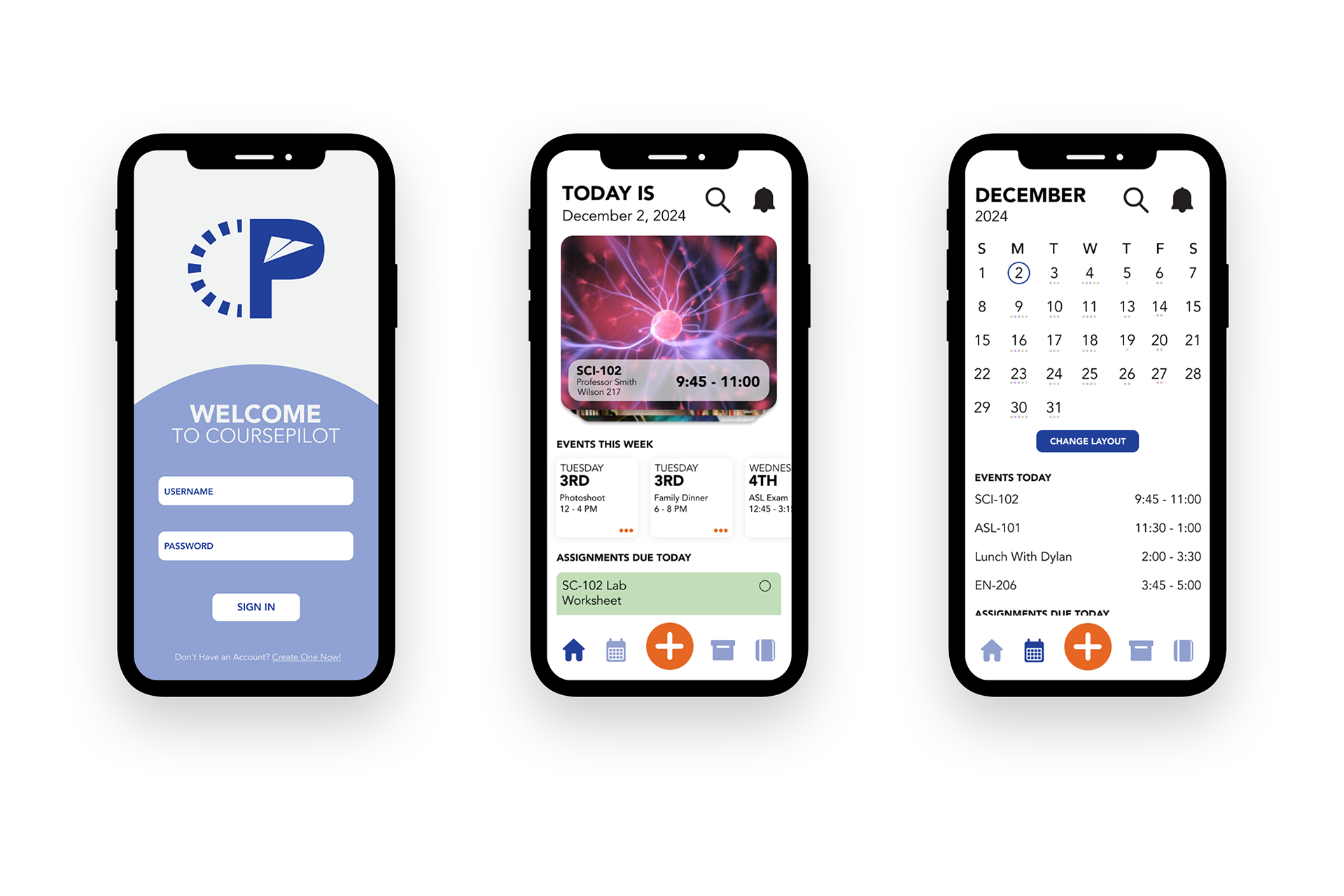
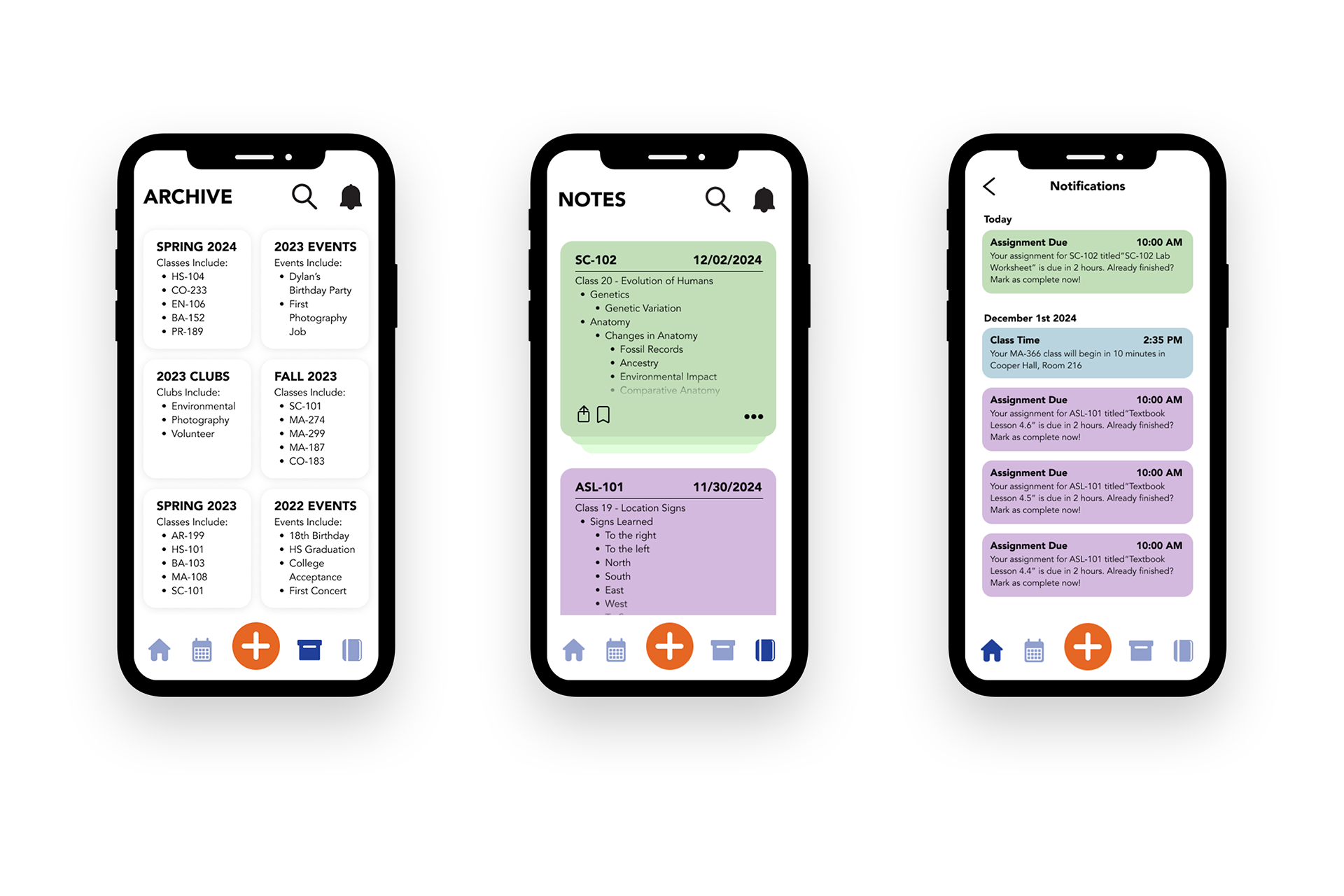
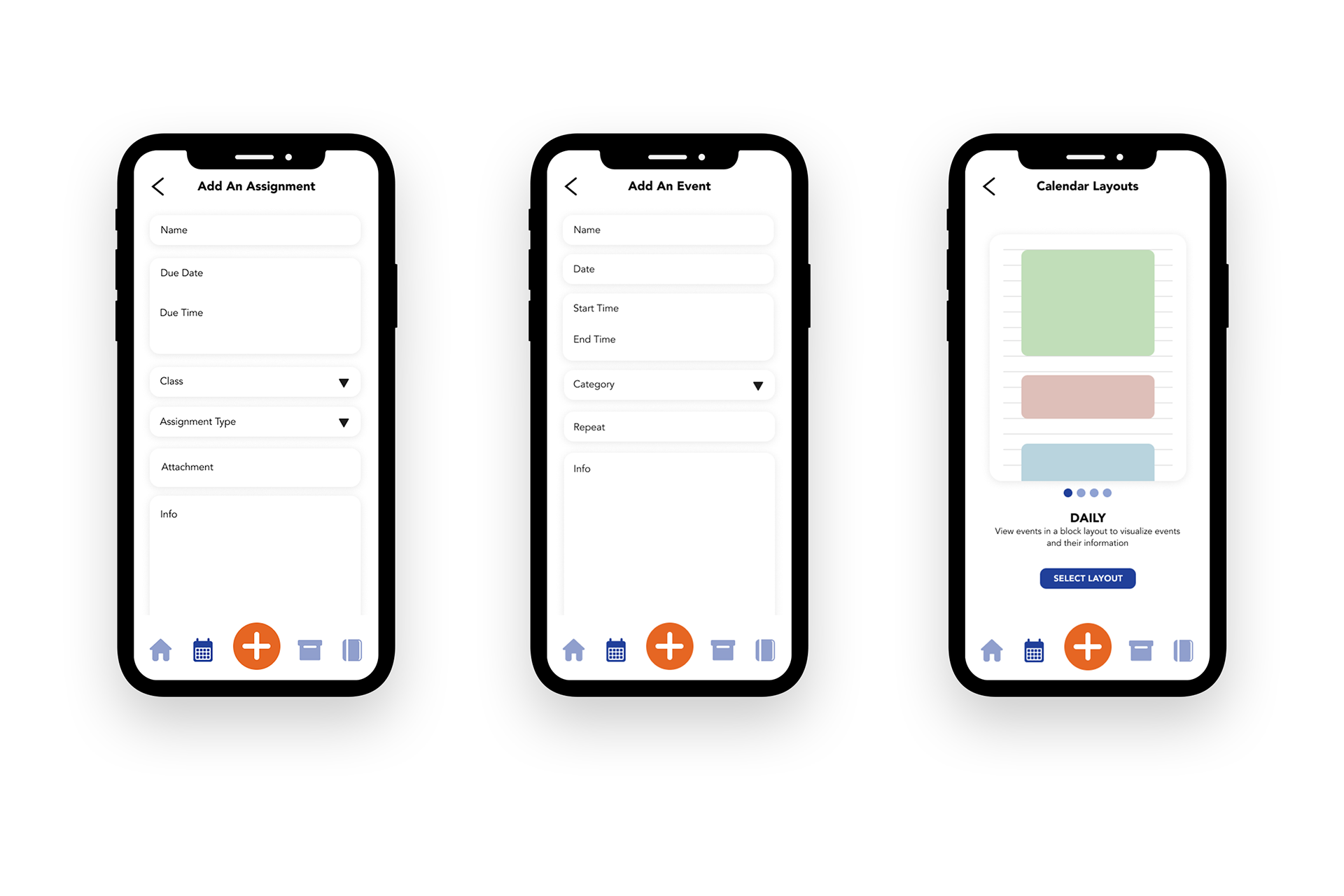
The final product was a comprehensive app design, focusing on students and their needs. To achieve this, CoursePilot is split into 4 main sections: the home page, calendar, archive, and notes. The homepage allows users to view their most important information for the day at a glance. This includes, but is not limited to, classes, assignments, and upcoming events. In the calendar section, the user can view their events and assignments for any day. Users also have the ability to change the layout of the calendar to fit their viewing preferences. In the archive section, users can view their past events, courses, and designated sections to further keep track and organize past info. Finally, in the notes sections, the user can keep track of events and take notes in their classes, allowing for all information to be organized in one section. The application has an overall modern and clean design with an emphasis on the information.